> For the complete documentation index, see [llms.txt](https://docs.wehost.co.in/llms.txt). Markdown versions of documentation pages are available by appending `.md` to page URLs; this page is available as [Markdown](https://docs.wehost.co.in/blog/nfs-isnt-just-file-sharing-its-rpc-in-disguise.md).
# NFS Isn’t Just File Sharing — It’s RPC in Disguise
While rooting the **Irked** box on Hack The Box, I went down a rabbit hole that started with a simple NFS share… and ended with a deeper understanding of the protocols that keep it alive.
You see, most people (including me, once) treat **NFS** like some magical file sharing service.
📂 “Just mount the share and get the loot,” right?
Wrong.
Here's the twist:\
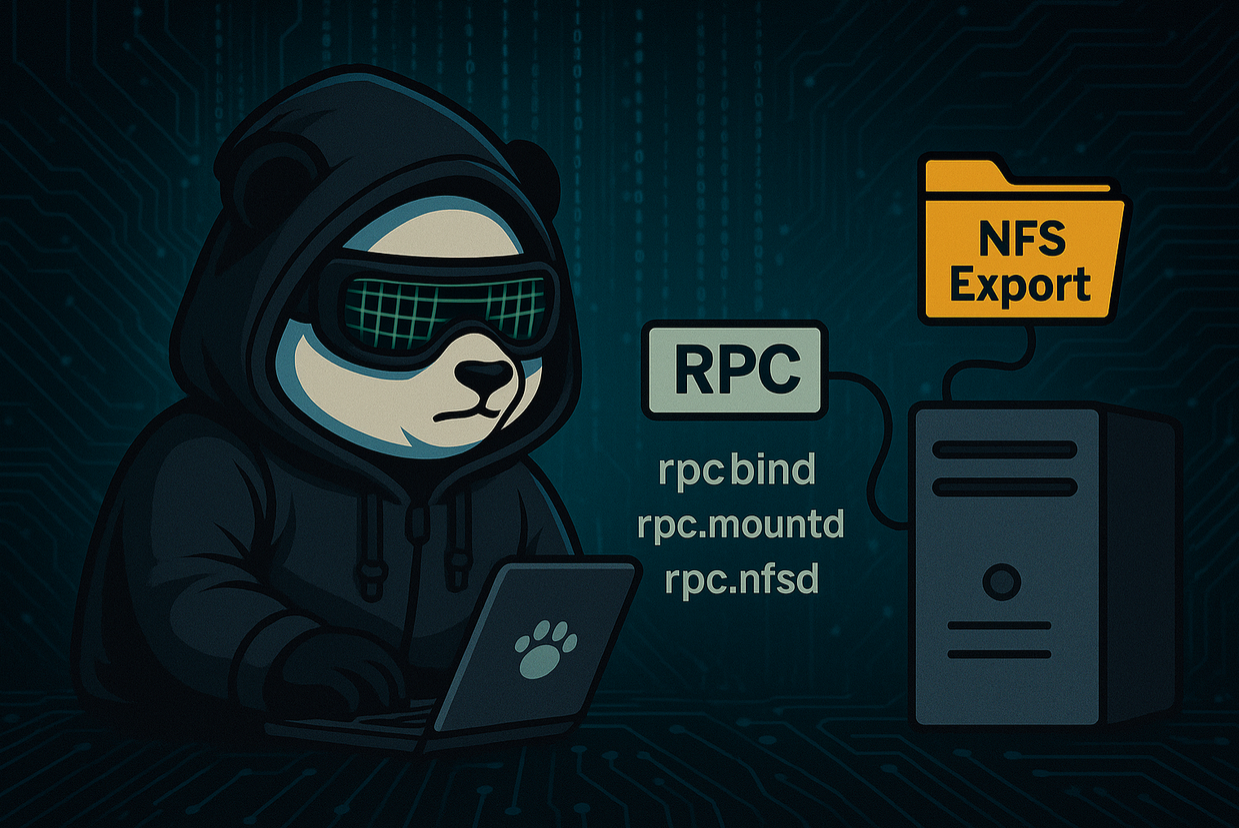
**NFS is entirely dependent on Remote Procedure Call (RPC)** under the hood.
🔍 When you attempt to mount an NFS export:
* Your system doesn’t talk to the NFS server directly.
* It first contacts `rpcbind` to discover which random ports the NFS services (`mountd`, `nfsd`, `lockd`, etc.) are listening on.
* Each service handles a different part of the operation — mounting, file locking, recovery — all orchestrated over dynamic ports discovered via RPC.
Without RPC?\
🚫 NFS can’t find its own legs. You’ll be stuck in limbo with cryptic errors and no mount in sight.
🔥 In Irked, understanding this architecture helped me:
* Identify exposed NFS services
* Mount the right exports
* Avoid red herrings during privilege escalation
💡 Takeaway: If you’re pentesting or securing a Linux environment, **never treat NFS as just file sharing**.\
It’s a web of RPC calls, port negotiation, and daemons whispering across the network.
Next time NFS throws an error, remember:
> “It’s not the NFS that failed. It’s the gods of RPC you forgot to please.”
## References
*